The Basics - Changing or Deleting a Booking
You'll notice in this screen, that my test event has two bookings, both in 3072.
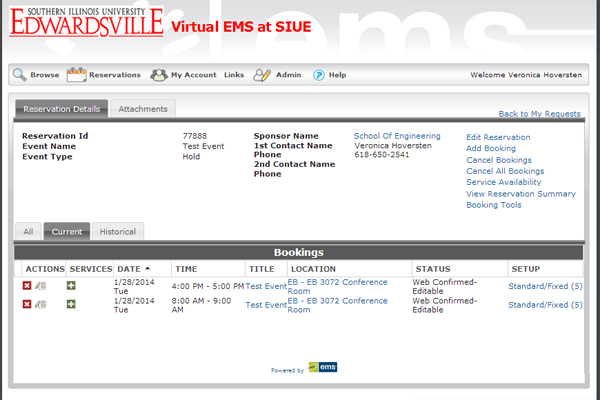
On the left side, there is a red "x" icon that will delete the booking. The pen and paper icon will edit the booking.
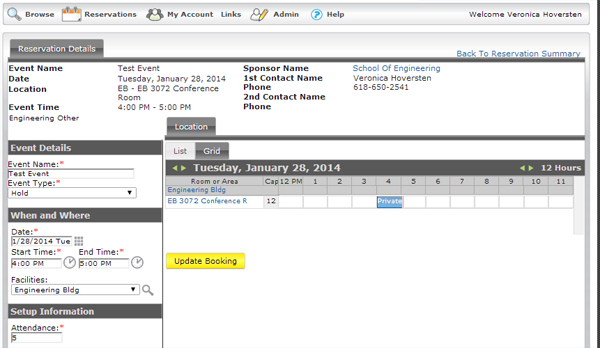
Here, you'll go through the same process as you did to make the original booking, except where you would have originally selected your room and clicked the yellow "Continue" button, now you click the yellow "Update Booking" button.