The Basics - Creating the Event
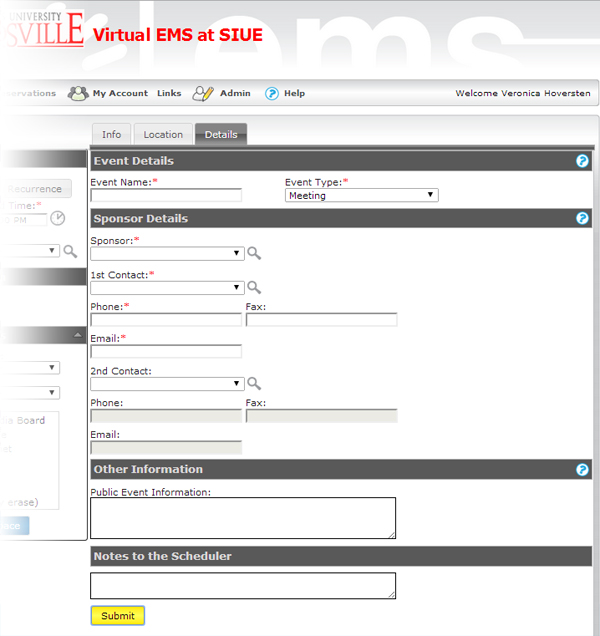
At this point, you enter the event information.
Event Name should be descriptive: "EWB Meeting" instead of "EWB", "IME Department Meeting" instead of "IME".
Sponsor determines which calendar the event calls home on the SIUE Events page. For example, a meeting with EWB as a sponsor shows up on the Kimmel Leadership calendar while a meeting sponsored by ECE will show up on the School of Engineering calendar. If you do not see the right organization on the sponsor menu, click the magnifying glass icon to look it up.
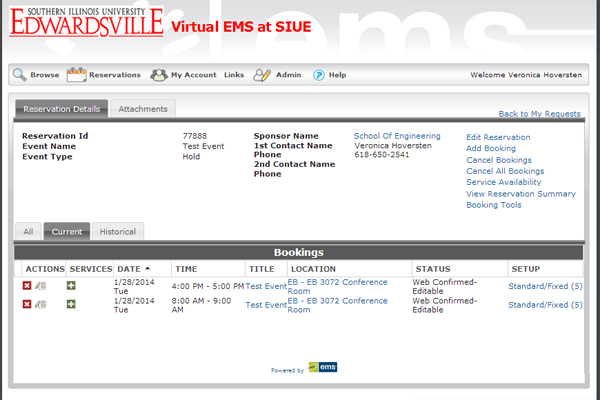
When you click "Submit" you have created your event. The top portion of the screen is the Event information. The bottom has the bookings. This event has two bookings.