


Visually Impaired Services for Students
The Visually Impaired Services division of the ACCESS office at SIUE serves as a key resource to provide comprehensive support for blind and low vision students, facilitating including specialized accommodations, aiding with the procurement and training on assistive technology and success coaching. The overall goal of visually impaired services coordination is to promote equal access as well as academic independence.
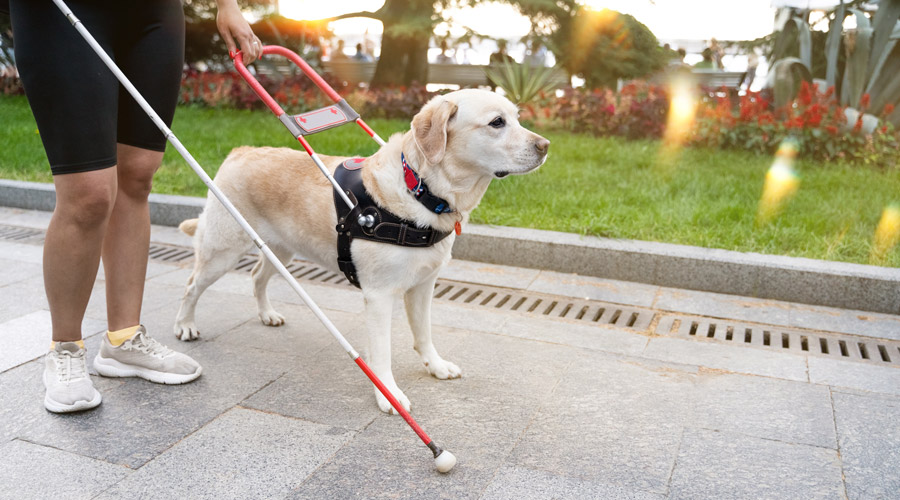
Academic Accommodations
We are committed to providing an inclusive learning environment . Learn more about the primary accommodations available to students with visual impairments.
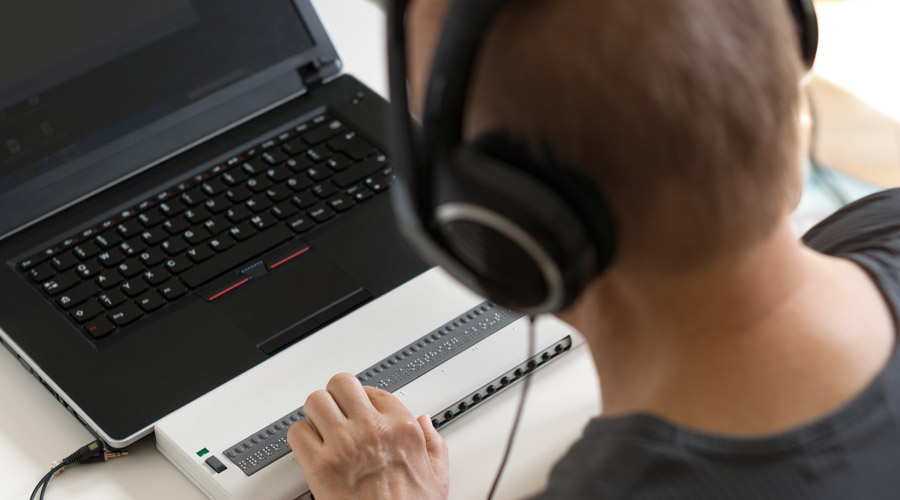
Instructional Design
A truly inclusive classroom for students with visual impairments is one where individuals can function alongside and independent of their peers. In addition to skills like developing a more vocal approach to teaching, there are other helpful tips instructors can implement in their classroom with thoughtful planning, flexibility and collaboration, to ensure equal access and effective communication is present.
Mobile Apps for Blind and Low Vision Students
Accessibility apps are available on iOS and Android devices. They can help make the transition to college easier for many students with visual impairments.
- AIRA Explorer: This is a paid service but paid visual interpreters are available to assist callers – some businesses are free access points.
- Dragon Speech Recognition: This free speech-to-text app allows users to quickly create text documents through oral dictation.
- Maestra: Convert voice to text in real time, completely for free.
- KNFB Reader: KNFB Reader converts typed text into speech, which can provide the user with quick access to printed text.
- Talking Scientific Calculator: This calculator app works with VoiceOver, a screen reader available with iOS devices, to provide an accessible digital calculator.
- Seeing AI: Seeing AI uses the camera to provide audible descriptions of text and objects, including documents, product labels, handwriting, and even colors.
- AccessNote: AccessNote is an accessible note-taking app that is compatible with VoiceOver and can be used with a traditional keyboard or a refreshable Braille display.
- BlindSquare:BlindSquare is a GPS app for travelers with visual impairments that was designed to be accessible with screen readers.
- Be My Eyes: Students with visual impairments can use Be My Eyes to receive virtual assistance from volunteers who can describe the scene around the user or answer user questions.
- NaviLens: NaviLens is being adopted on campus as a high-density, smart-marker system to aid students who are blind or have low vision with independent, audio-guided, indoor/outdoor, and long distance navigation via smartphone app.
- Voice Vista – A critical application for the blind and low vision users' community to help with navigation.


